
02 · Live
Looks
Build a look layer by layer on your own likeness, keep the ones you love, and wear them to what's on your calendar.
How it works
Render in place
The likeness card shows your current look; while a try-on generates, your likeness stays visible under a shimmer, then the result replaces it.
Stack and steer
The next try-on edits the current look, not the scan. Undo one step, revert to default, or hold to compare with your default underneath.
Keep and use
Save the look per likeness (it's there next visit, on any device), restore any past result from Likeness Memory, and attach a look to an event on your calendar.
Real output · sample data
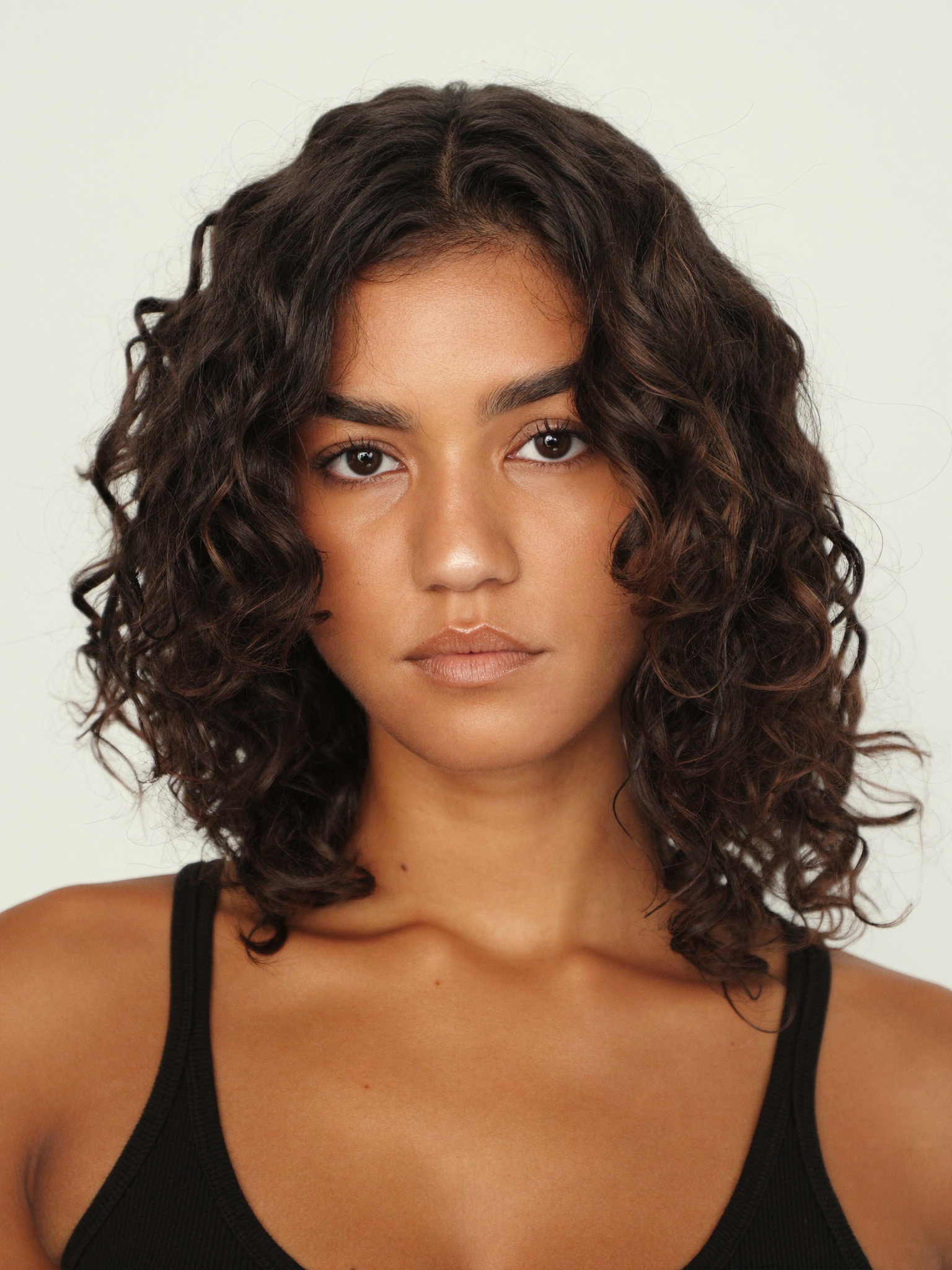
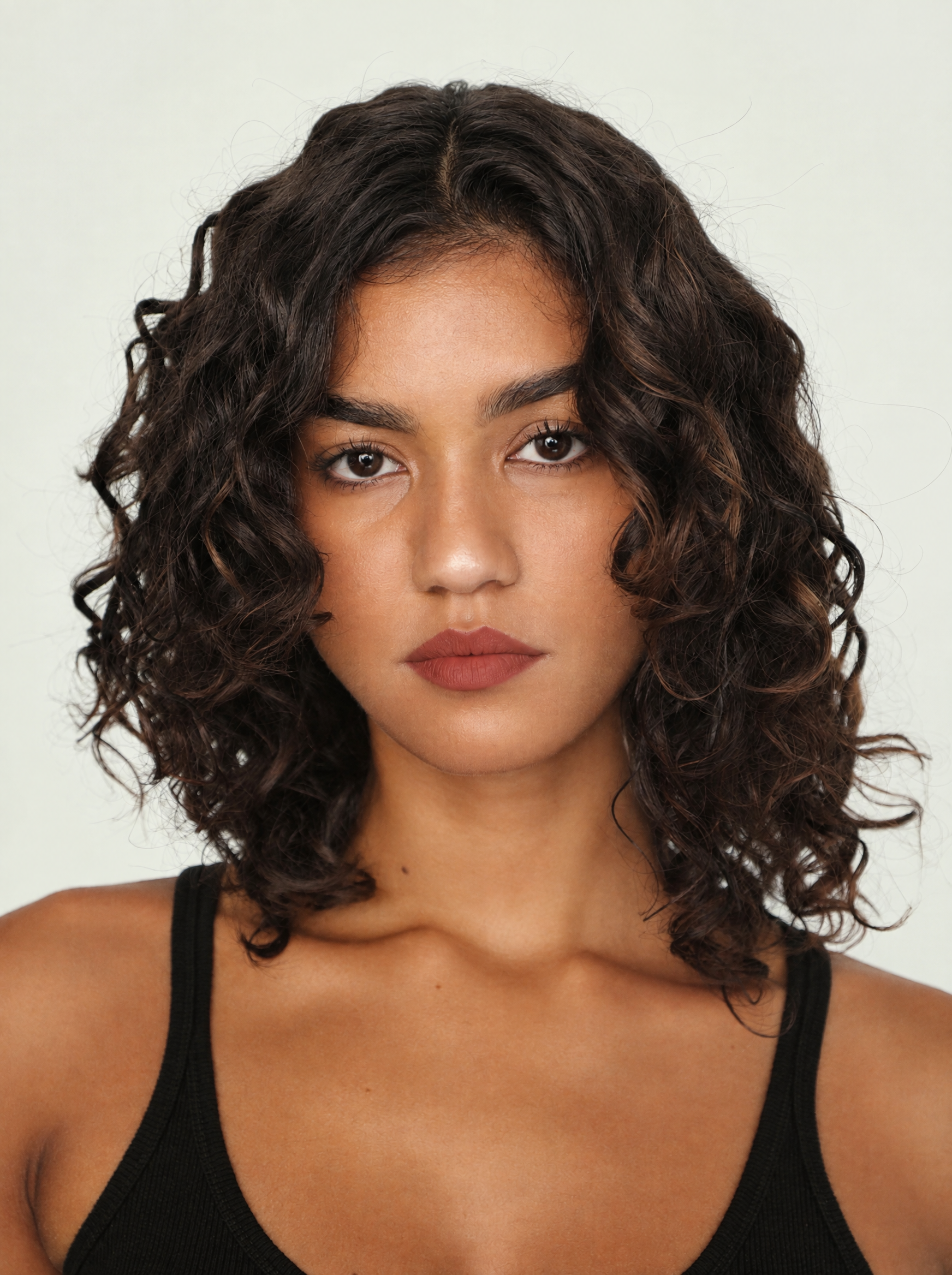
A try-on rendered in the likeness itself — save it, undo it, or hold to compare with the default. Fictional model and brands.
Interactive demo
Technical specs
- Stacking
- Every try-on builds on the current look
- Memory
- Save · undo · revert · restore
- Compare
- Press-and-hold shows the default
- Occasions
- A look can be worn to an event